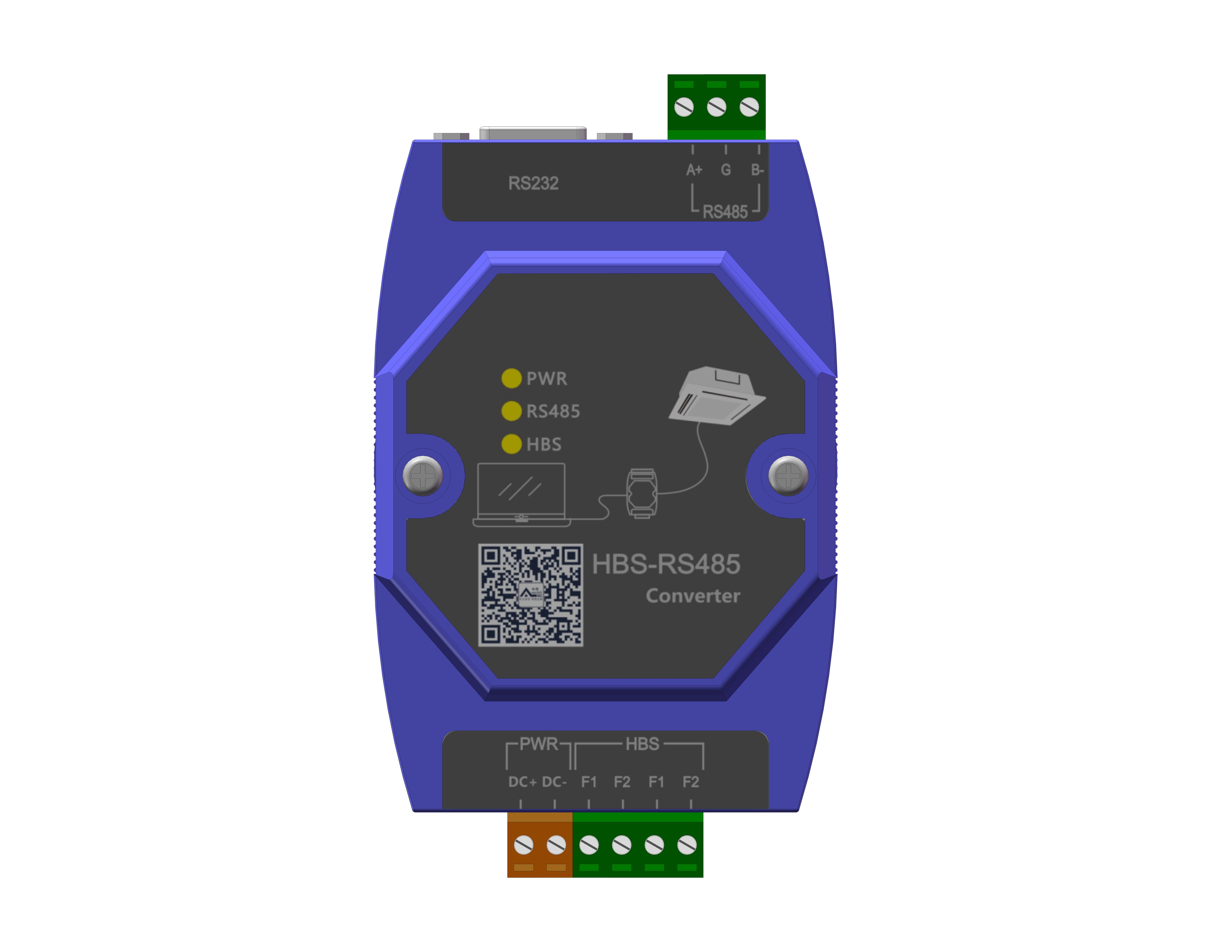
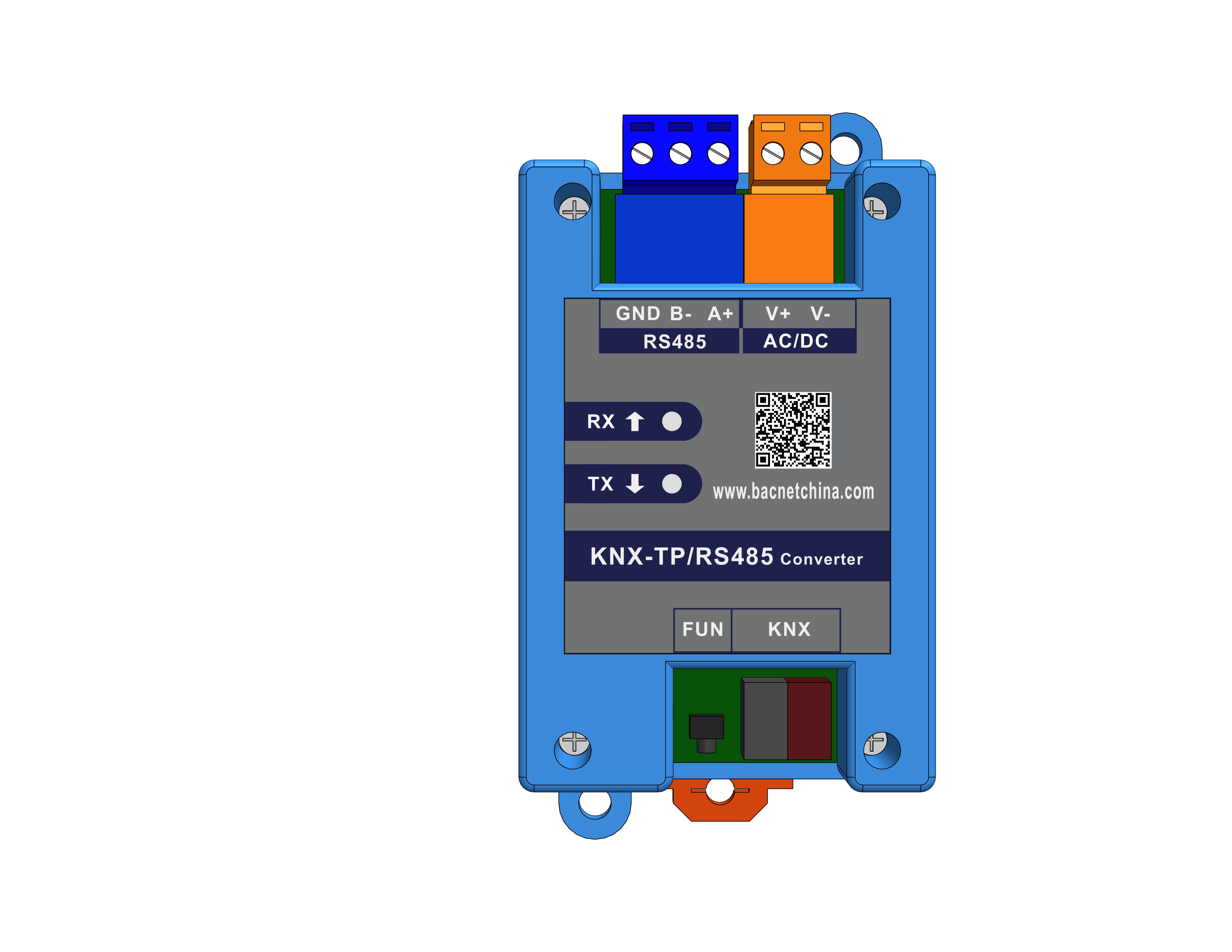
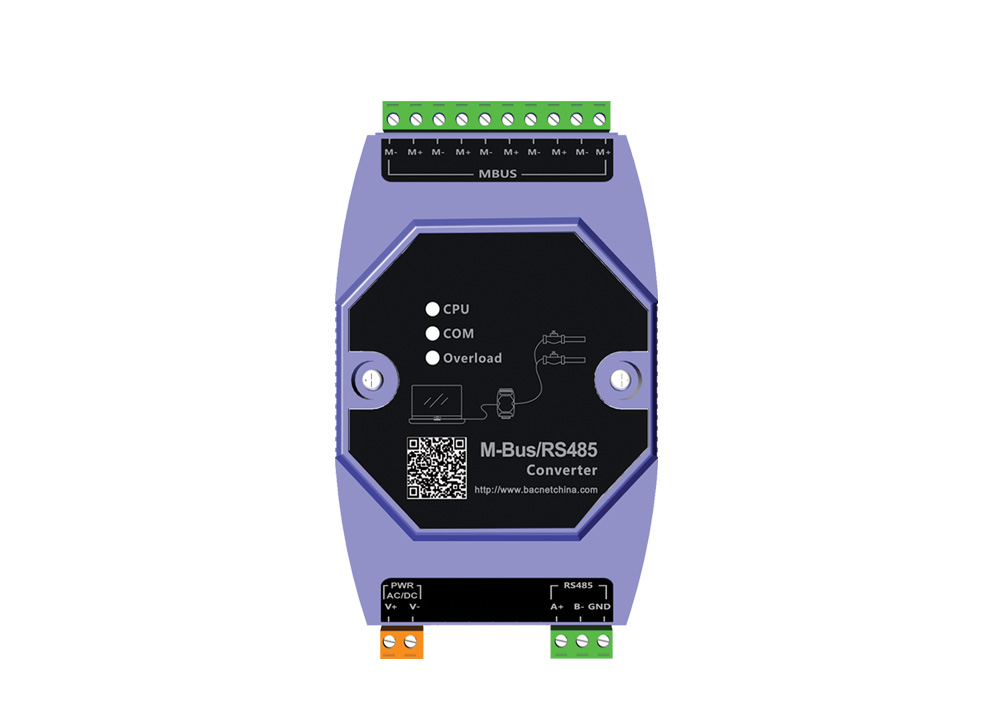
3 matching models · 219 in the catalog
Showing 1–3 of 3Compare models in a series| ModelDevice acquisition → System forwarding | | | |
|---|
| 01Acquisition scopeDevice side | — | — | — |
|---|
| 02Forwarding protocolsSystem side | — | — | — |
|---|
| Ethernet ports | — | — | — |
|---|
| Total serial ports | — | — | — |
|---|
| RS485 | — | — | — |
|---|
| RS232 | — | — | — |
|---|
| CAN ports | — | — | — |
|---|
| KNX TP ports | — | — | — |
|---|
| Two-wire MBus ports | — | — | — |
|---|
| DI channels | — | — | — |
|---|
| DO channels | — | — | — |
|---|
| AI channels | — | — | — |
|---|
| AO channels | — | — | — |
|---|
| Touchscreen | — | — | — |
|---|
| Model documents | Port and model notesThe documentation gives inconsistent values for Physical interfaces. These values are excluded from confirmed selection criteria. | Specifications & downloads ↗ | Port and model notesThe documentation gives inconsistent values for Physical interfaces. These values are excluded from confirmed selection criteria. |
|---|
01Acquisition scopeDevice side
—
02Forwarding protocolsSystem side
—- Ethernet ports
- —
- Total serial ports
- —
- RS485
- —
- RS232
- —
- CAN ports
- —
- KNX TP ports
- —
- Two-wire MBus ports
- —
- DI channels
- —
- DO channels
- —
- AI channels
- —
- AO channels
- —
- Touchscreen
- —
Port and model notes
The documentation gives inconsistent values for Physical interfaces. These values are excluded from confirmed selection criteria.
01Acquisition scopeDevice side
—
02Forwarding protocolsSystem side
—- Ethernet ports
- —
- Total serial ports
- —
- RS485
- —
- RS232
- —
- CAN ports
- —
- KNX TP ports
- —
- Two-wire MBus ports
- —
- DI channels
- —
- DO channels
- —
- AI channels
- —
- AO channels
- —
- Touchscreen
- —
Specifications & downloads↗01Acquisition scopeDevice side
—
02Forwarding protocolsSystem side
—- Ethernet ports
- —
- Total serial ports
- —
- RS485
- —
- RS232
- —
- CAN ports
- —
- KNX TP ports
- —
- Two-wire MBus ports
- —
- DI channels
- —
- DO channels
- —
- AI channels
- —
- AO channels
- —
- Touchscreen
- —
Port and model notes
The documentation gives inconsistent values for Physical interfaces. These values are excluded from confirmed selection criteria.