Product overview
Build the monitoring screens in X2View, then access the gateway’s built-in web server from a PC, phone or tablet. This is a way to bring field data and operating controls into a browser; the gateway is not described as having its own physical display.
Selection and reading guide
- Check the field point list against the 512-point and 64-device limits before allocating serial and Ethernet connections; see page 2.
- For browser-based HMI screens, read the X2View, browser-access and application guidance on page 3. Select a separate physical touchscreen if required.
Model document guide
- File unavailable in this language; purpose and functions: page 3; specification references: pages 2, 3, 4
Current product specifications
Specifications are sourced from the supplied 2026 product catalog. Unspecified values remain unconfirmed.
| Parameter | Specification |
|---|---|
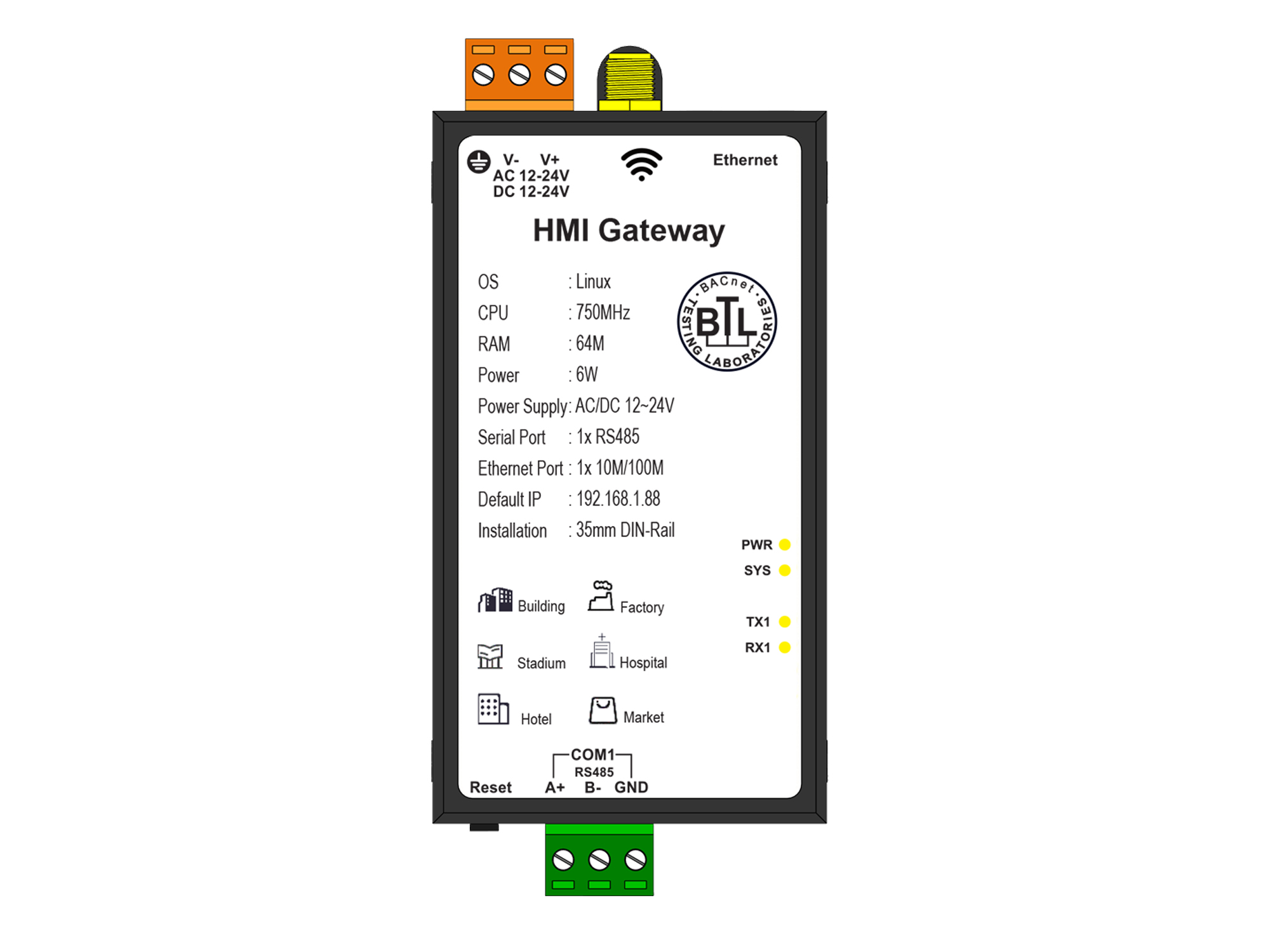
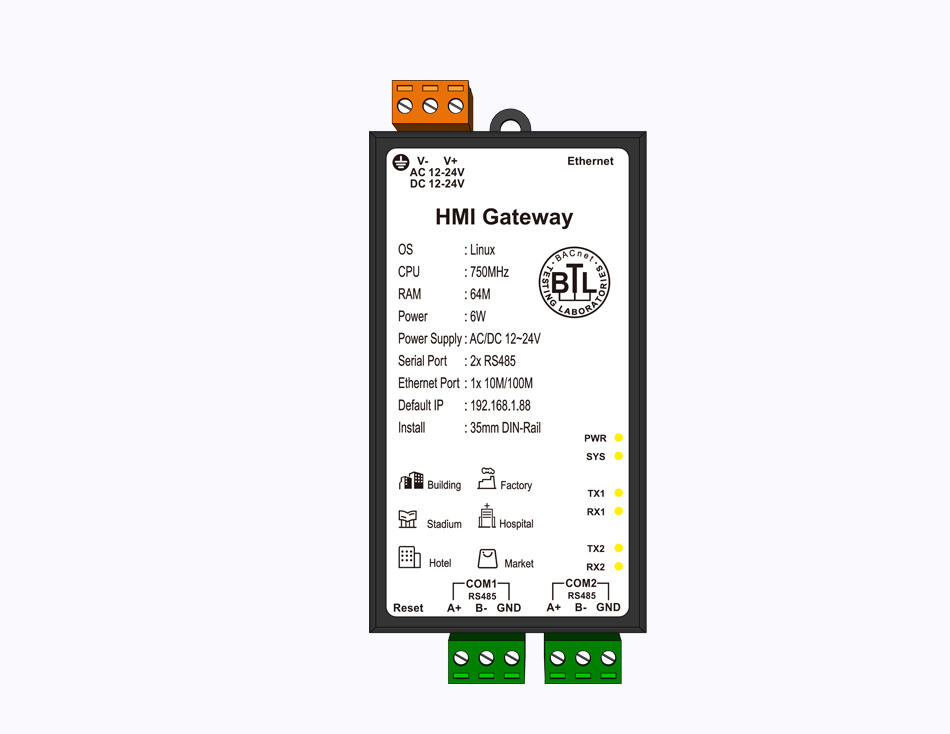
| Total serial ports | 2 |
| RS485 ports | 2 |
| Ethernet ports | 1 |
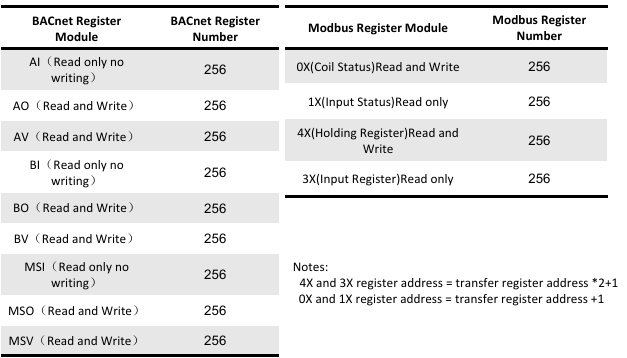
| Point capacity | 512 |
| Device capacity | 64 |
| Forwarding protocols | BACnet/IP / BACnet MS/TP / Modbus / MQTT / Database / OPC UA |
| Forwarding roles | BACnet/IP Server / Modbus Server / OPC UA Server / MQTT Server |
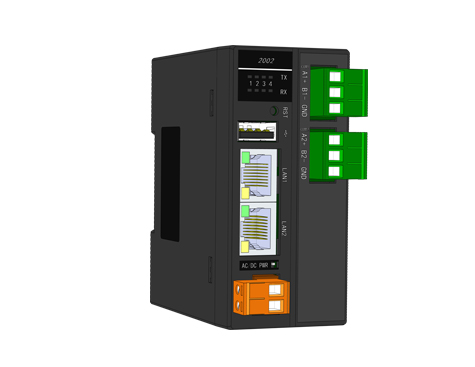
| Physical interfaces | Ethernet / RS485 |
| HMI visualization | Supported |
Model notes: More than 500 protocols.
Model datasheets
- File unavailable in this language